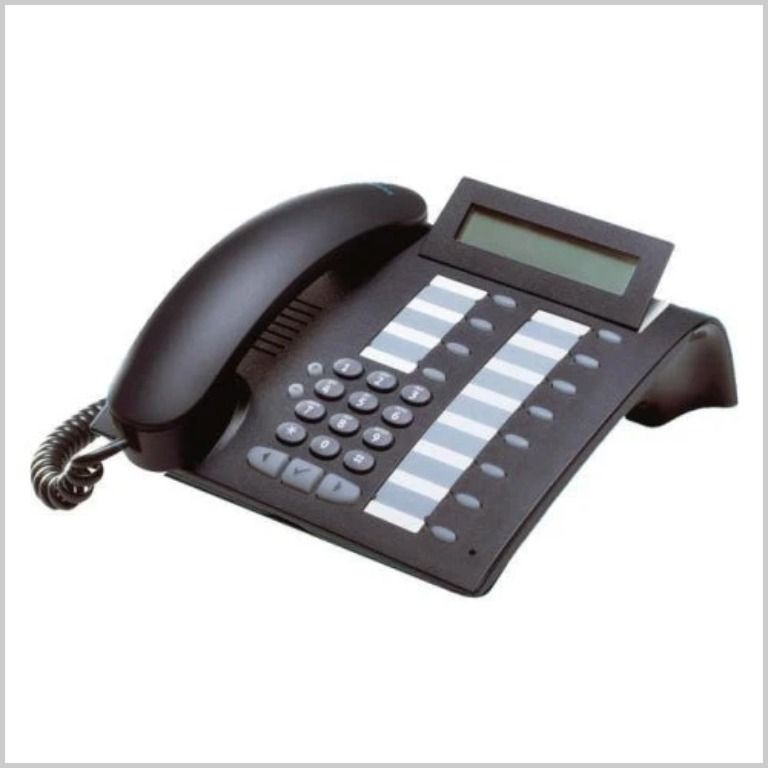
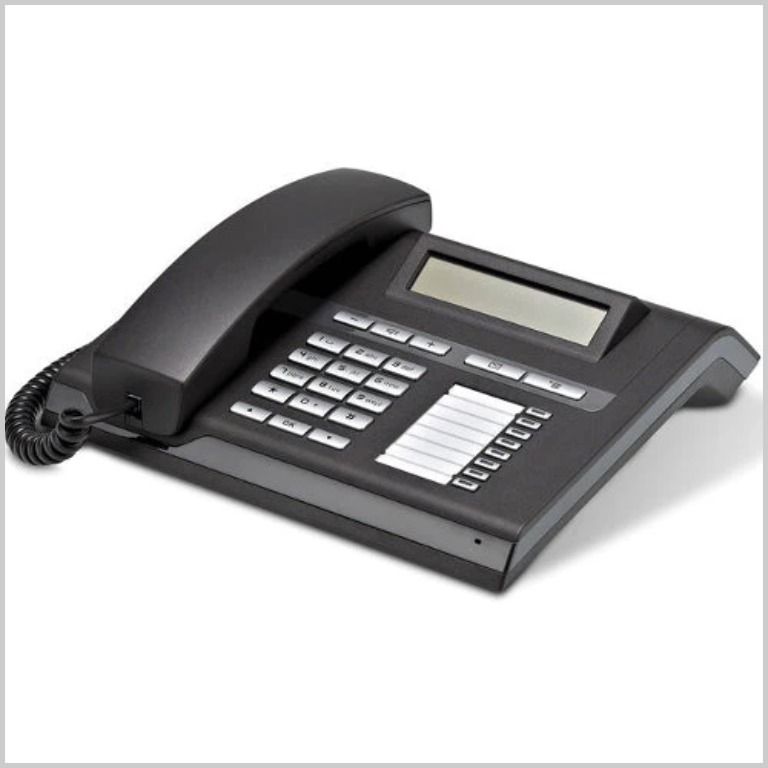
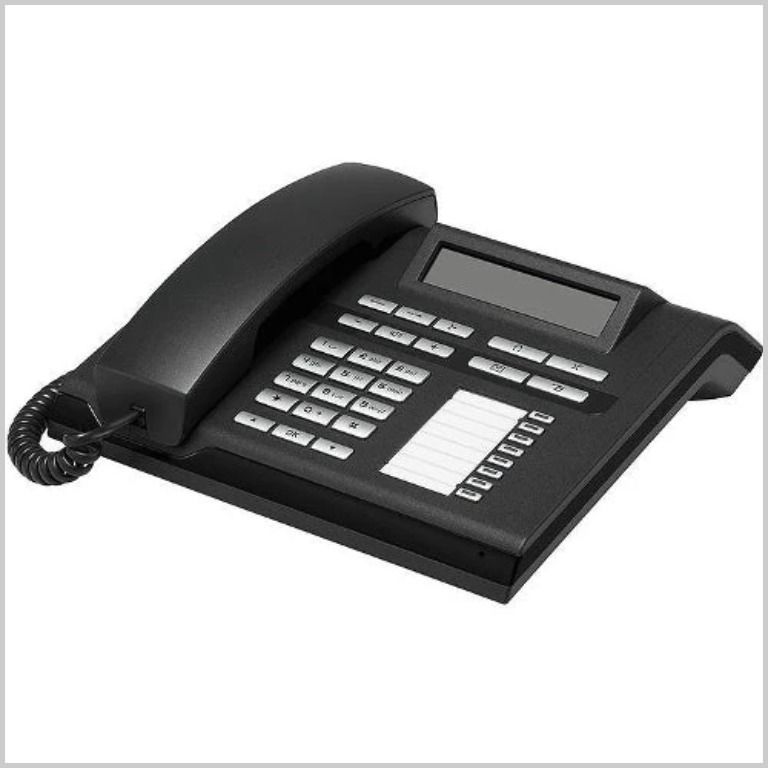
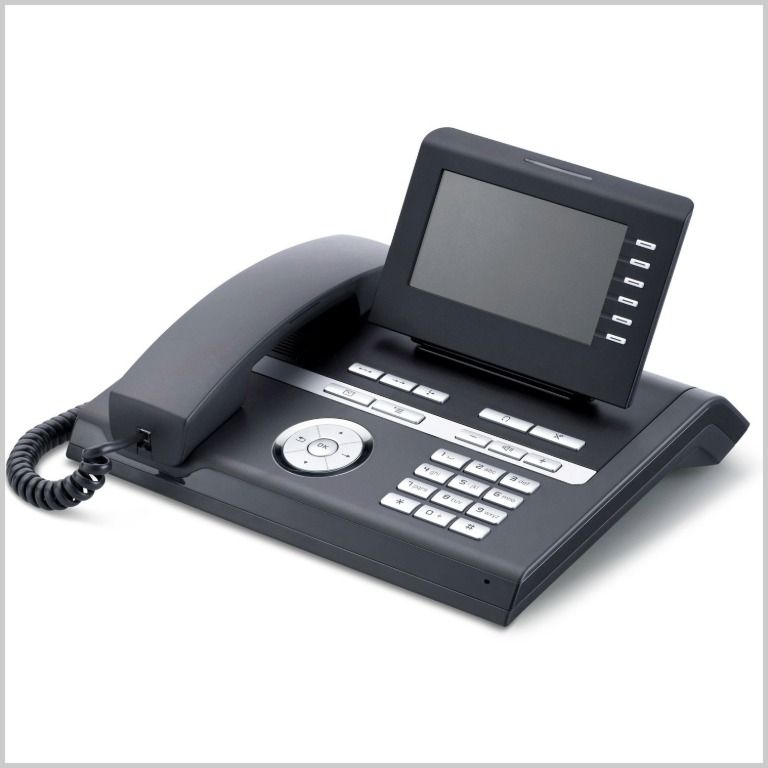
Hunter College offers specialized Siemens telephone support to cater to the needs of our campus community. Our dedicated team is available to assist with any inquiries related to Siemens systems, ensuring you get the most out of your telephone services. Whether you need help with setup, troubleshooting, or technical guidance, we are here to provide the support you need.
Siemens
Telephone Service
Internal and Site to Site Calls: Dial 1-digit site code + 4-digit extension
| Location | Extension |
|---|---|
| 68th Street Campus | 1+XXXX |
| Silberman School of Social Work | 2+XXXX |
| Roosevelt House | 3+XXXX |
| Hunter Highschool | 4+XXXX |
| 60 West -- School of Nursing | 7+XXXX |
External Calls: Domestic: 9+1 Area Code + Number
Emergency External: 9+911, 911, or Contact Public Safety at (212) 772-4444.
Locations:
- Hunter College Campus Schools
- 68th Street Campus – East Building
- 68th Street Campus – North Building
- Thomas Hunter Hall (68th Street)
- Baker Building (67th Street)
Voicemail Instructions
- Press the Voice mail button on your phone
- Dial your password and then push# (First time users, password is 111# and you will be prompted to change your password to a new one)
- Press the Voice mail button on your phone
- Dial your password and then push #
- Press 8 (once) and 1 (5 times)
- Record your greeting
- Press * and then #
- Hang up
- Press the Voice mail button on your phone
- Dial your password and then push #
- Press 8 (once) 4 (once) and then 1 (once)
- Record your name
- Press * and then #
- Hang up.
- Dial (212) 396- MAIL (6245).
- Enter your 5-digit extension (example 14357).
- Enter your password and then press #.
Note: if you do not know your PIN/password, please contact the Help Desk and request a reset.
After accessing your voicemail box, follow these instructions.
- Press 3 to listen to your messages.
- Press # to skip the next message or * to fast-forward during the messages.
- Press 6 to delete the message.
- To continue, press #. If done, hang up.