
 Download the two-page cheatsheet as a PDF
How do I upload a file?
Non-image files must be uploaded to the Repository before you can allow your site visitors to download them. You can upload just about any type of file, including PDFs, Microsoft Word documents (.doc or .docx), Microsoft Excel spreadsheets (.xls or .xlsx), and Microsoft PowerPoint slideshows (.ppt or .pptx).
The following steps will guide you through the uploading process.
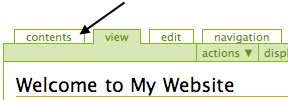
- From your site's homepage, click on the Contents tab.
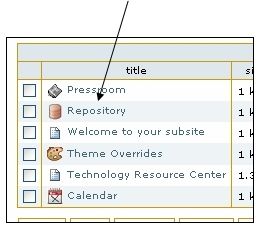
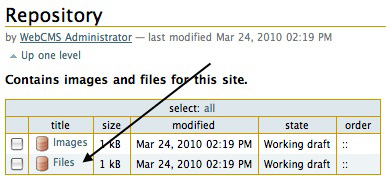
- Click on Repository.
- Click on Files.
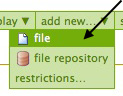
- Once you are in the Files Repository, select Add New... from the green toolbar. Then, click on File.
- This will bring you to the Add File page, where you can upload your file, as well as add a title and description (optional).
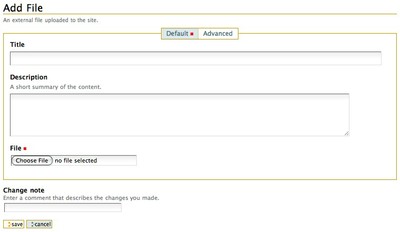
- When you're done, remember to click Save.