
 Download the two-page cheatsheet as a PDF
How do I create a new announcement?
An announcement is an important notice that your site visitors should be aware of.
Announcements can be used to automatically populate your subsite's Announcements portlet.
To create a new announcement:
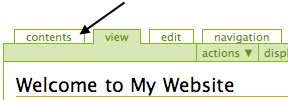
- From your subsite's homepage, click on the Contents tab.
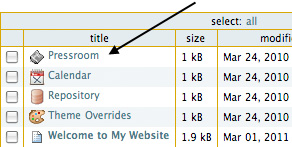
- Click on Pressroom.
- Click on Announcements.
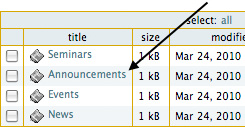
- Once you are in the Announcements folder, click on Add New... in the green toolbar, then select Announcement.

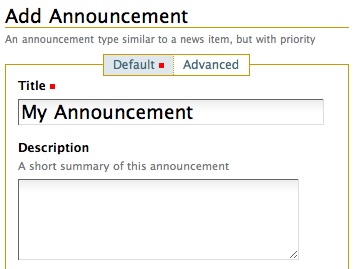
- You'll be brought to the Add Announcement page.
- Enter a title and description (optional) in the appropriate fields.
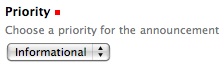
- Choose a priority for your announcement. Is it informational, a warning, an alert or an emergency?
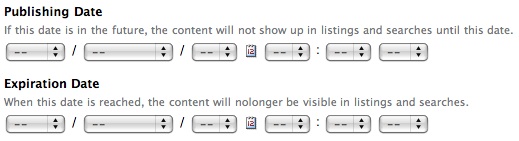
- Set a publishing date and expiration date to determine when your announcement will appear on your site. Both are optional.
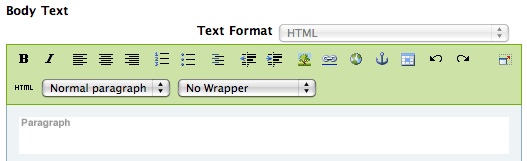
- The main content of your announcement should go in the Body Text area.
- When you're done, remember to click Save.